
Delete an Attribute from a Custom Object
The Attributes section of the Definition tab is used to create, view, and manage the Attributes for this Custom Object.
To delete an existing Attribute from a Custom Object:
-
Select Program from the top navigation bar, then select Custom Objects from the side navigation menu. The Custom Objects screen is displayed.
-
Search for and select the desired Custom Object (see Search for a Custom Object for more information on the available search options). The Custom Object Details screen is displayed, with the Definition tab selected.
-
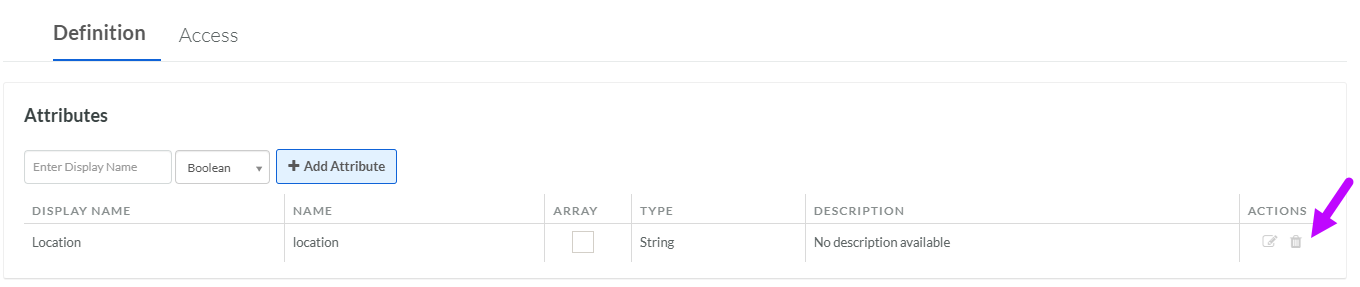
Within the Attributes section, click Delete icon next to the desired Attribute. A confirmation dialog box is displayed; click Confirm.
You can also delete an Attribute from within the Edit Attribute pop-up window:
-
Click the Edit icon next to the desired Attribute. The Edit Attribute pop-up window is displayed.
-
Click Delete. A confirmation dialog box is displayed; click Confirm.
